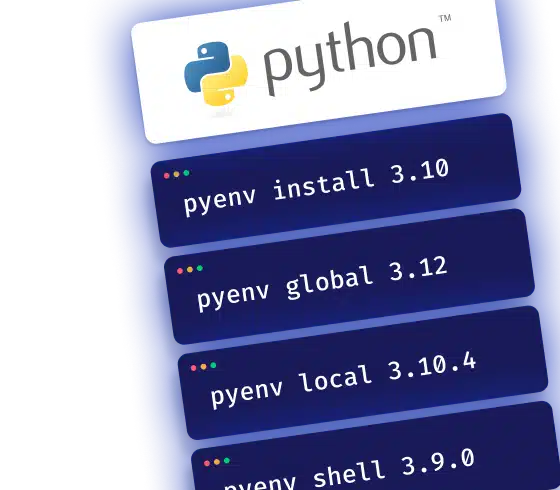
Working on multiple Python projects can quickly become a headache when each project requires a different version of the language. Efficiently managing these versions is essential to avoid conflicts and ensure dependency compatibility. Pyenv allows you to easily install, switch, and manage these versions without interfering with the system version.
Installing Pyenv
On macOS & Linux
The simplest way is to use the package manager Homebrew to install Pyenv:
brew update
brew install pyenv
On Windows
Use WSL and follow the same steps as on Linux. WSL allows you to run a Linux environment on Windows, offering optimal compatibility with Unix tools like Pyenv and facilitating dependency management.
Note that there is a specific fork for Windows: Pyenv-win
Managing Python Versions with Pyenv
Pyenv offers simple commands to install, list, and remove different versions as needed:
Install a version
pyenv install 3.10
Display available versions
pyenv versions
Remove a version
pyenv uninstall 3.10.4
Switching Between Versions
Switching Python versions is essential when working on multiple projects with different requirements. Pyenv allows you to quickly switch from one version to another depending on the project context.
Set a global version
pyenv global 3.12
Set a local version (per project)
pyenv local 3.10.4
Temporarily change version
pyenv shell 3.9.0
Troubleshooting Common Issues with Pyenv
When using Pyenv, you may encounter various issues related to installation, configuration, or usage. Here are solutions to the most common errors to help you maintain a stable development environment.
Pyenv Not Recognized
Add Pyenv to your $PATH in .bashrc or .zshrc:
echo 'export PYENV_ROOT="$HOME/.pyenv"' >> ~/.bashrc
echo '[[ -d $PYENV_ROOT/bin ]] && export PATH="$PYENV_ROOT/bin:$PATH"' >> ~/.bashrc
echo 'eval "$(pyenv init - bash)"' >> ~/.bashrc
Installation Error
Check dependencies with pyenv doctor
Install missing libraries (zlib, openssl).
Conflicts with Anaconda
Ensure Pyenv is prioritized in your $PATH.
Permission Issues
Ensure the user has the necessary rights on the Pyenv files.
Pyenv is an essential tool for managing Python versions smoothly and avoiding conflicts. It simplifies developers' work by adapting the development environment to the specific needs of each project.
Need Reinforcement on Python?
On-demand Python expertise: audit, code review, refactoring, and application redesign.